Do Meta's glasses send your job site to Meta?
How are your recordings handled by Meta's smart glasses? Are you sharing your data with us or them? Embarcadero's app uses only two of the available five routes that keep things off the Meta cloud, as the footage travels from the glasses to the phone to our servers. It is never seen in Meta's cloud or their AI training.
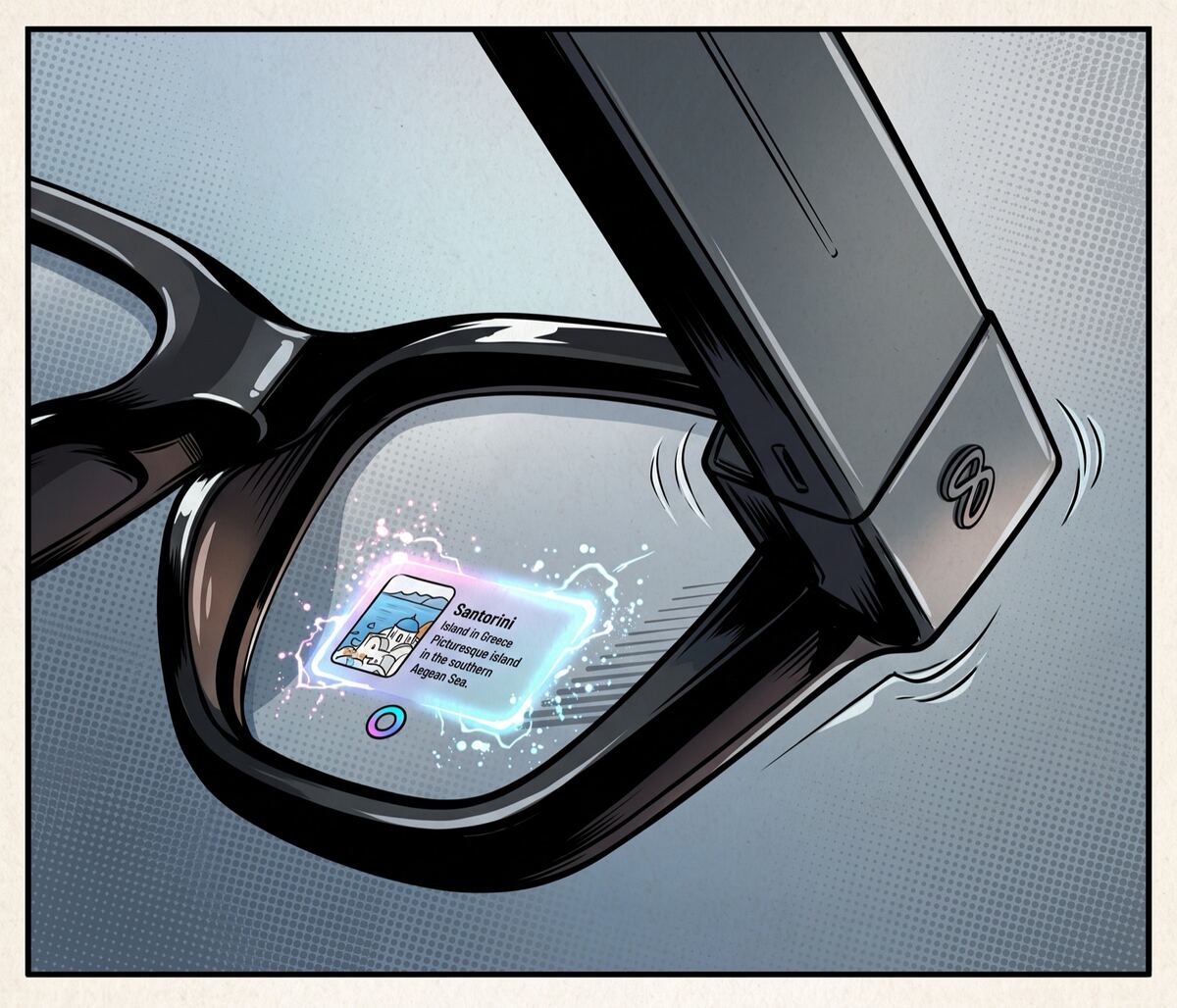
We get this question on almost every site visit: If you put a pair of Meta's camera glasses on a crew, does everything they see end up with Meta? Is it training their AI models? Could a stranger somewhere be watching your facility, your process, your customer's site? Those are valid questions to ask before a camera goes on someone's face inside a place you're responsible for or that you even have an NDA signed for.
The answer depends entirely on how the footage leaves the glasses, not on the glasses themselves. Meta glasses can move video five different ways and only some of them go to Meta. Our app is built on the two that don't. Here, we walk through all five to highlight exactly where your footage goes when your crew is running our software, and what we lock down to keep it that way.
The five ways footage leaves the glasses
| Path | Meta receives | Meta stores | Trains Meta AI | Human review | You can opt out |
|---|---|---|---|---|---|
| Gallery capture (button press) | No | No | No | No | n/a |
| Cloud media turned on | Yes | Yes¹ | unknown | unknown | Yes |
| Camera-based Meta AI ("Hey Meta, what am I looking at") | Yes | Yes | Yes | Yes | No² |
| Voice commands | Yes | Yes³ | Yes | Yes | No |
| Our app (streamed via Meta's SDK) | No | No | No | No | Yes⁴ |
¹ A copy sits on Meta's servers for 30 days, then auto-deletes.
² No toggle, so the only way to avoid it is not to use the feature.
³ Stored by default, up to a year.
⁴ Connection telemetry only, which we disable with the SDK's opt-out flag.
The most important thing here is the two rows that entirely stay off Meta, namely the gallery capture and streaming into our own app, which are the only two paths we use. The three in the middle are the ones that send footage or audio to Meta, and we turn every one of them off in our app.
What we actually use
Your crew's footage reaches us two ways, neither one touching Meta's cloud.
Button-press capture
A worker taps the button (or our app triggers it), the photo or clip is written to the glasses and synced to the paired phone, and our app imports it from there. Meta's own stated position is that this gallery media stays on the device unless the wearer chooses to share it. As long as the sharing features (called Cloud media) are off, and we make sure they are (more below), a button-press capture goes from the glasses to the phone to our app. Meta never receives it.
Live streaming through Meta's SDK
For real-time work, our app pulls the video stream directly using Meta's Wearables Device Access Toolkit. The stream travels from the glasses to the phone, straight into our app, and from there to our secure servers. Meta's own developer documentation describes the stream going to the developer's app and infrastructure. Nothing in it routes that raw video through Meta's media pipeline. Your footage lands in our systems, under our security controls, not in Meta's.
The other three communication paths
Meta's consumer features are genuinely useful and, by default, send data to Meta to make these happen. Here's what we keep switched off for use cases in the trades:
- Cloud media puts a copy of a capture on Meta's servers for 30 days. It's an optional setting, and it's what's required for "share this by voice" and autocapture. We walk you through turning it off, so no copy is ever made.
- Camera-based Meta AI: That's when you ask "Hey Meta, what am I looking at", i.e. their assistant plus live AI and look-and-translate. This works by sending a frame or a continuous stream to Meta to analyze. Meta keeps those captures, may use them to improve its AI, and has people review some of them. We walk you through disabling both the "Hey Meta" wake word and the touchpad shortcut that can summon the assistant, so it has no way to start on its own.
- Voice commands are stored by default (after you say "Hey Meta"), are used to improve Meta's speech models, and reviewed by both software and trained people. In the US that storage can no longer be switched off, so we simply don't build voice into the workflow.
None of those three paths is used by our app. You'd have to deliberately turn on these features, as our deployment turns them off by default.
One last thing
There's one caveat to the above. When an app connects to the glasses through Meta's SDK, Meta collects connection telemetry, i.e. data about how the device talks to the app, just not the actual content of your photos or video. There is a documented switch to turn this off in apps for Android and iOS.
Is any of this in a contract?
We typically discuss security or compliance with your responsible team and they often want to know where the paperwork sits. As of today, Meta offers no enterprise program for these glasses: no data-processing agreement, no fleet-management console, no business-account program. They ship under consumer terms. Essentially, any big deployment inherits the same terms a single shopper gets.
That is exactly the reason to rely on our deployment instead of managing the glasses like a consumer would. The part of the system that actually holds your data is ours: our app, our secure servers, our cybersecurity features, and our agreement with you. When your team sends over a security questionnaire, the answers are about our systems, because that's where your footage lives. On site, we also define recording-off zones with you, such as restrooms or a customer's confidential process areas, with signage and crew training to match.
The takeaway
The glasses aren't a privacy or compliance risk, if handled correctly. Left in their consumer defaults, Meta's glasses will happily send captures, camera-AI frames, and voice to Meta, to be stored, trained on, and reviewed. We point them down a different path such that none of that happens. In Embarcadero's app, footage goes from the glasses to the phone to our servers, we turn off every feature that would route it to Meta, and we opt out of the one bit of telemetry that's left. Your job site stays yours.
Sources
- Gallery captures stay on the glasses. Meta, "Your AI glasses questions, answered": "Photos and videos you capture with your AI glasses for your gallery are stored privately on your glasses. You choose when to import them to your phone."
- Cloud media is optional and keeps a 30-day copy. Meta AI Glasses Help Center: "Your media will be temporarily stored in the cloud for 30 days before being automatically deleted."
- Camera-based Meta AI captures can train Meta's models. Supplemental Meta Platforms Technologies Privacy Policy: "…may be used to improve Meta products, including the Meta AI service and the models that power it."
- Voice is stored by default and human-reviewed. AI Glasses Voice Controls Privacy Notice: "Text transcripts and audio recordings of your voice interactions are stored by default…" and "…changing the pitch of voice recordings when they are reviewed."
- US users can no longer switch voice storage off. Meta AI Glasses Help Center: "The option to disable voice recordings storage is no longer available, but you can delete recordings anytime in Settings in the Meta AI mobile app."
- The SDK path collects only connection telemetry, with an opt-out. Wearables Device Access Toolkit (Android SDK):
"Meta may collect information about how users' Meta devices communicate with your app," disabled with
the manifest key
com.meta.wearable.mwdat.ANALYTICS_OPT_OUT. - Pairing requires Meta's app, and the SDK is still developer preview. Meta Wearables Developer FAQ: "the Meta AI app must be used to pair your glasses," and "you cannot yet distribute them to end users."
Nota bene: This is a summary of how these features work as of September 2026, not legal advice. Meta revises these notices often, and we re-check them before relying on any of this for a customer.
Get in touch
Run a field operation? Let's talk.
We're rolling out Ten4, our AI assistant for frontline trades workers, with a small set of partners. If this sounds like a problem you have, we'd love to hear from you.