Can you use cheap camera glasses to get the job done?
We are reverse-engineering a $90 pair of camera glasses into a Python SDK, with Bluetooth control, remote photo/video/audio capture, 12-minute video, and cloud-free Wi-Fi media transfer.
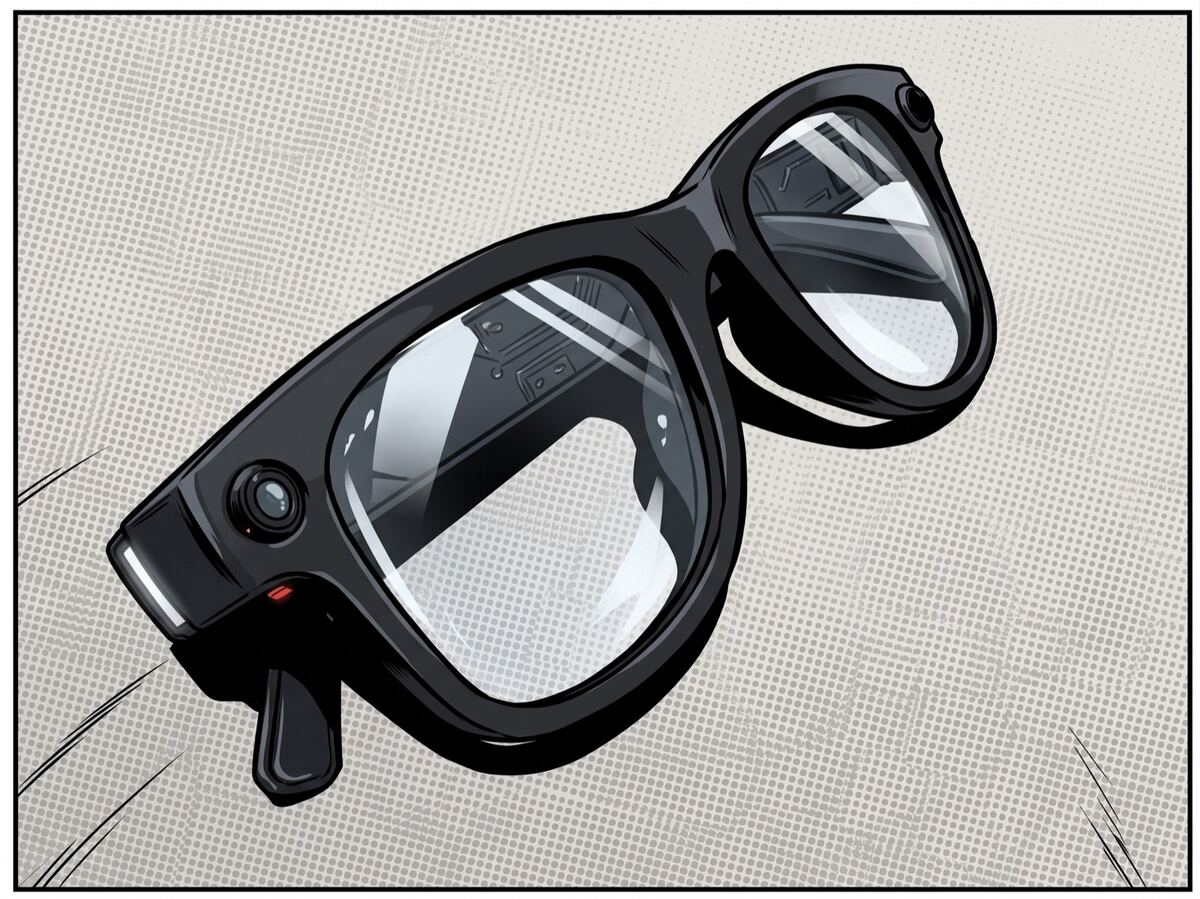
If you browse the largest US or Chinese online stores, you'll find various versions of camera glasses from a VR company you've likely never heard of. The DPVR-branded models run about $90 and identical hardware, white-labeled under other names, sells for as little as $40. It shoots 8-megapixel photos and 1200p video, but when you start developing for these glasses, you'll quickly find that its developer story is a mess: a companion app that phones home to a grab-bag of third-party cloud SDKs. There's no real documentation and one "official" SDK that's a 50 MB zip buried on a download server, which exists for Android/iOS-only, is documented only in Chinese, and shipped inside a generic-smartwatch codebase (it hauls around heart-rate and watch-face code these glasses will never run). So officially, you're mostly on your own. We write this post since we attempted mapping the whole thing anyway, which resulted in a Python SDK, benchmark suite, and web app that came out the other side.
Everything you'd want from an SDK was already there in the Bluetooth protocol. Photos, video up to twelve minutes, audio notes, and a clean Wi‑Fi media pipeline can all be done under program control, no account, no cloud, no approval flow. Plus, because the glasses are a generic ODM design, the same code plausibly drives a whole shelf of rebrands.
What you're working with
The DPVR G6 (FCC ID 2A9JD-Q6) is built on an Allwinner V821, i.e. a dual RISC‑V IP‑camera
SoC (a 1.2 GHz application core plus a 600 MHz MCU that runs the Wi‑Fi) on stripped-down
embedded firmware, not Android. There's no display (it's a capture device, Ray‑Ban‑Meta-style, not a HUD), a Sony IMX219 8‑megapixel
sensor, a hardware H.264 encoder, ca. 290 mAh of battery (vendor-rated at 45 min of recording, which we can confirm), and
Bluetooth 5.3 plus 2.4 GHz Wi‑Fi.
It turns out that the G6 is one instance of the "oudmon" / HeyCyan OEM platform. The same SoC and firmware ship under a rotating cast of brand names. Two independent open-source projects have reverse-engineered pieces of that stack already.
The problem
We wanted four things. 1) Talk to the glasses without the app, 2) get our own media off them programmatically, 3) trigger capture from code, and 4) package it so other people could too.
For context, if you want to build software for camera glasses today, there are much easier options:
- Meta Ray‑Ban. Great hardware, huge install base. Meta's Wearables Device Access Toolkit (developer preview, Dec 2025) is a real SDK you embed in your own app to request a photo, a video stream, or mic/speaker access from the glasses. While you can build and test on your own hardware, shipping to the public is gated to select partners. Open enough to prototype; closed where it counts.
- Mentra / MentraOS. These are a refreshing opposite, i.e. a genuinely open-source OS with a first-class TypeScript SDK and camera/display support. But you're buying into a specific ecosystem (Mentra Live and partner hardware), and it isn't really cheap.
- Everything else or the grey market. Dozens of near-identical camera glasses on a handful of Chinese IP-camera SoCs, sold under a dozen brands, each with a throwaway app and, if you go looking, an OEM SDK zip that nobody links to, Android-only and documented only in Chinese. The DPVR G6 lives here.
The journey of talking to the DPVR glasses directly
1. The Bluetooth control channel
BLE is a good place to start because you can watch. The glasses expose a vendor GATT service
(de5bf728-…, an OEM "oudmon serial-port" channel) with a notify and a write characteristic.
Sniff the traffic and a tidy framing protocol falls out:
BC | opcode | length(u16 LE) | crc16_modbus(payload) | payload
First a magic byte, then an opcode, a length, a Modbus CRC16 over the payload, finally the payload. The
workhorse is opcode 0x41 ("glassesControl"), whose payloads are little {2, sub, …} tuples:
{2, 4} reads the photo/video counters, {2, 1, 4} flips the glasses into Wi‑Fi transfer mode.
Device identity (firmware, hardware, MAC) comes straight off the standard GATT Device Information
service. You can read the glasses' identity and media counts from Python.
2. The battery
The first real obstacle was the battery level. The glasses push a status frame (opcode 0x73) that
sometimes carries the percentage. But idle, the device can go a full minute silent, and a
naive get_battery() would just time out. So it's useless for anything that needs a reliable reading.
The fix we found was to stop waiting for a push and treat the device like the request/response machine it
is. A blind sweep of unmapped opcodes, i.e. send an empty payload, then see what answers, turned up
opcode 0x42, which replies instantly with [percent, charging]. That's the app's
syncBattery command, and it's the difference between flaky and rock-solid. This was previously reported by two independent RE
projects for the same OEM stack (pepebot-space/nisaetus and
ebowwa/HeyCyanSmartGlassesSDK).
3. Wi‑Fi Direct media transfer
You can't move 8‑megapixel photos and 1200p video over Bluetooth LE, as it's far too slow. So how does the app get media off?
Send glassesControl {2, 1, 4} over BLE and the glasses become a Wi‑Fi Direct group owner, i.e. a
peer-to-peer hotspot at 192.168.6.1, handing you the SSID and password in the BLE response.
Join it, and the glasses are running a plain HTTP server on port 80:
GET /files/media.config      →  a manifest, one filename per line
GET /files/<name>            →  the actual .mp4 / .jpg / .opus
So the whole "pull my media" workflow is: BLE to negotiate, Wi‑Fi Direct to connect, HTTP to
download, without any cloud, account, or telemetry. On Linux it's fully automatable
(wpa_supplicant P2P + DHCP + urllib). Unfortunately, the BLE side needs a keep-alive
during Wi‑Fi discovery, but if you keep sending it after the group forms, it tears the group
down, so you hold the keep-alive during discovery and stop it before the handshake. Pull the
files, run them through ffprobe, and there they are: H.264 1600×1200 (4:3) at 30 fps with AAC
16 kHz audio, and 3280×2464 (8 MP) JPEGs. Exactly as advertised!
4. Trigger recordings via BLE
Our working assumption was that the physical buttons were the only way to capture. Setting a video mode over BLE seemed to do nothing. We waited a little longer for the response and found:
{2, 1, 1}→ takes a photo{2, 1, 2}→ starts a video,{2, 1, 3}→ stops it{2, 1, 8}/{2, 1, 12}→ start / stop an audio note (Opus){2, 1, 13}→ find-device (beep + flash)
Remote capture is thus possible fully under program control.
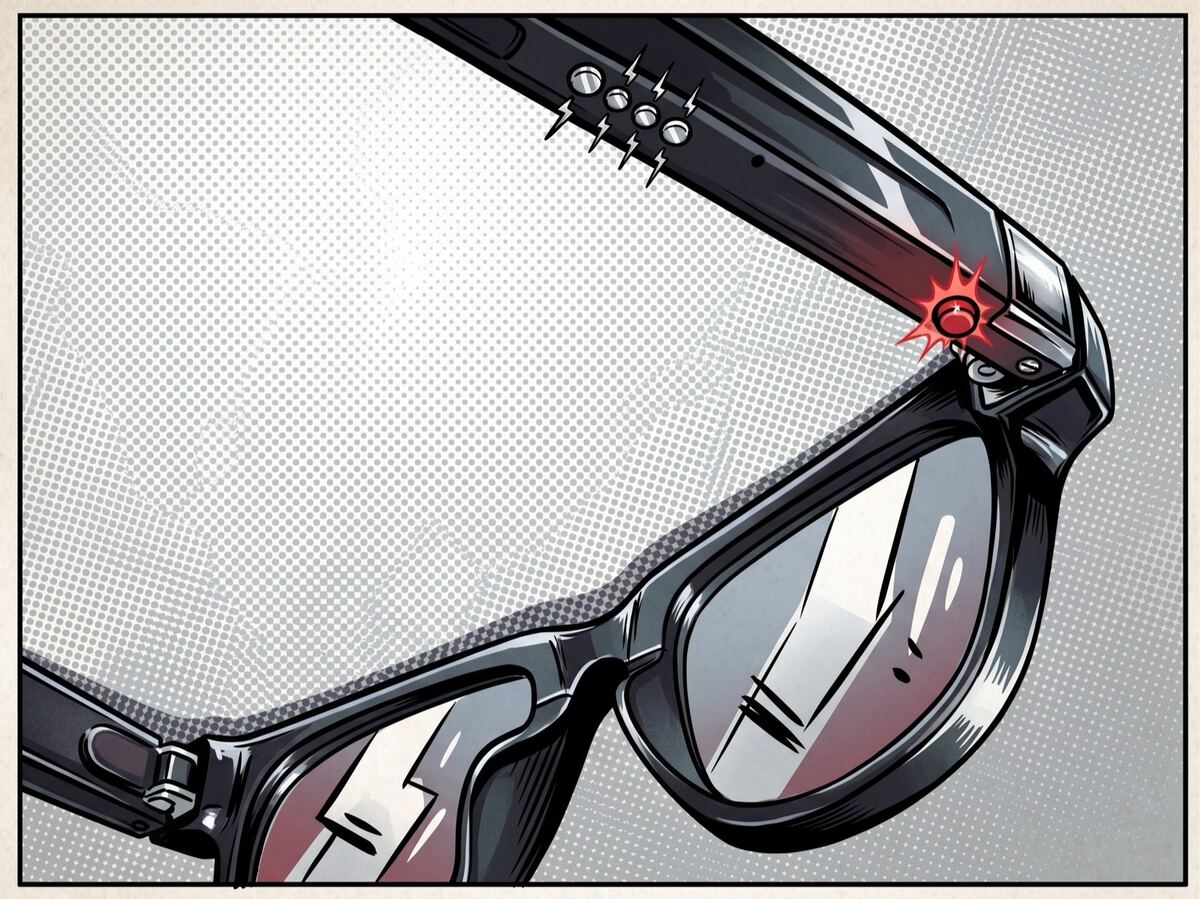
The physical capture button and its recording light on the glasses. However, every one of these triggers is also reachable over Bluetooth.
5. Decompiling the app
By default, every triggered video clip came out ca. 2.7 seconds long, no matter
what we did over BLE. Was that a hard limit? So next, we pulled the
official APK off a phone with adb, ran it through jadx, and read the source.
There it was a RecordSettingActivity with a "Video Length" screen, and the exact command
it sends: glassesControl {2, 2, angle, seconds_lo, seconds_hi}. Clip length is a device-side
setting, a 16‑bit number of seconds, and the factory default sits below even the shortest
value you can pick. Set it and:
set video length → 15 s → record → clip is 16.8 s ✓
The device even reports its own menu of supported lengths, specifically 15, 30, 60, 180, 540, and 720 seconds, i.e. up to a 12-minute clip. This is a maximum, not a fixed duration, i.e. when sending the stop command early, you get exactly what you recorded.
The decompile also handed over the rest of the OEM protocol, e.g. AI photo, speech recognition, translation, text-to-speech, which is a much richer surface than the cheap-glasses framing suggests. Those are commands the shared OEM app knows and we haven't verified which the G6's firmware actually implements, as they look cloud-dependent.
The resulting SDK
We packaged all into a small Python SDK. The whole feature set is a few dozen lines:
import asyncio
from dpvr import Glasses

async def main():
    async with Glasses.session() as g:         # BLE scan + connect
        print(await g.device_info())           # firmware / hardware / MAC
        print(await g.sync_battery())          # {'percent': 87, 'charging': False}

        await g.take_photo()                   # capture over BLE — no button
        await g.set_video_duration(180)        # up to 720 s (12 min)
        await g.record_video(30)               # a 30-second clip, start→stop
        await g.record_audio(10)               # a 10-second Opus note
        await g.find_device()                  # beep + flash

        # Linux only: BLE + Wi-Fi Direct + HTTP, pull everything:
        print(await g.capture_media("captures/", iface="wlan0"))

asyncio.run(main())
The numbers
Measured on a real G6:
| Metric | Result |
|---|---|
| Photo | 3280×2464 JPEG (8 MP) |
| Video | H.264 1600×1200 (4:3) @ 30 fps, ca. 10.7 Mbit/s + AAC 16 kHz mono |
| Video file size | ca. 1.4 MB/s (≈82 MB/min), a 12-min clip ≈ ca. 1 GB |
| Video length | configurable 15 s to 12 min, stop-early supported |
| BLE command round-trip | ca. 140–340 ms median (ATT MTU 23) |
| syncBattery round-trip | ca. 190 ms |
| Wi‑Fi Direct group formation | ca. 13–37 s (onboard Pi Wi‑Fi is workable but intermittent) |
| HTTP throughput | ca. 0.5 MB/s (ca. 4 Mbit/s) |
| Battery, continuous recording | vendor claim ca. 45 min |
The Wi‑Fi password is 123456789
One thing worth flagging is that in transfer mode the glasses stand up a Wi‑Fi Direct hotspot with a hardcoded default password and an SSID that embeds the device's Bluetooth MAC:
SSID:     DPVR G6_2DF01D893596      ("DPVR G6_" + the BT MAC, colons stripped)
Password: 123456789
That password isn't a per-device secret and it isn't user-changeable. It's the literal string
123456789, hardcoded in the app (I found it set in two places in the decompile), on every unit.
The on-device HTTP server (/files/…) adds no authentication on top of it. So while a transfer
is running, anyone within Wi‑Fi range who knows the default (and now, everyone reading this) can join
the group and pull the wearer's photos and videos in the clear, and the predictable, MAC-revealing
SSID doubles as a tracking beacon. Of course, for an unmanaged camera sitting on someone's face inside a secure
facility, that's a genuine data-exfiltration and device-fingerprinting surface.
The fix could be nearly free, as the SSID and password are handed to the phone over the BLE control link, so they never needed to be a static default in the first place. Generate a fresh random password (and ideally a randomized SSID) for each transfer session and deliver it the same way, then gate the file server with a per-session token or TLS. Bluetooth is the right channel to hand off ephemeral Wi‑Fi credentials. None of this is novel or expensive. Secure Wi‑Fi hand‑off over Bluetooth is a solved problem with free reference implementations you can read today, e.g. Espressif's ESP‑IDF and Nordic's SDK both ship it.
What's missing
Unfortunately, there's no live preview stream. The camera records to flash and you pull it after. No RTSP/MJPEG endpoint exists in the shipping firmware, and there's no display or live AI assistant. Hence, this is a capture device. The flash capacity isn't queryable over BLE (the app only ever gets a "memory low" nudge). Wi‑Fi transfer on a laptop needs Linux (macOS has no Wi‑Fi Direct API for this). Ultimately, it's a cheap device, since the BLE stack is a little sleepy, and it naps aggressively when idle and off the charger. Its battery gauge is coarse, too, with 1% steps that sit flat near full.
The takeaway
You don't need a $400 headset and a corporate SDK to play with camera glasses. For the price of a cheap gadget, the DPVR G6 is a remarkably complete little capture platform, with 8‑MP stills, up to 12-minute 1200p video, audio notes, and a clean, cloud-free Wi‑Fi media pipeline. All of this is controllable from a few dozen lines of Python, with no account and nobody's approval.
Tested on firmware A02Q8DP6_2.00.03.
Get in touch
Run a field operation? Let's talk.
We're rolling out Ten4, our AI assistant for frontline trades workers, with a small set of partners. If this sounds like a problem you have, we'd love to hear from you.